

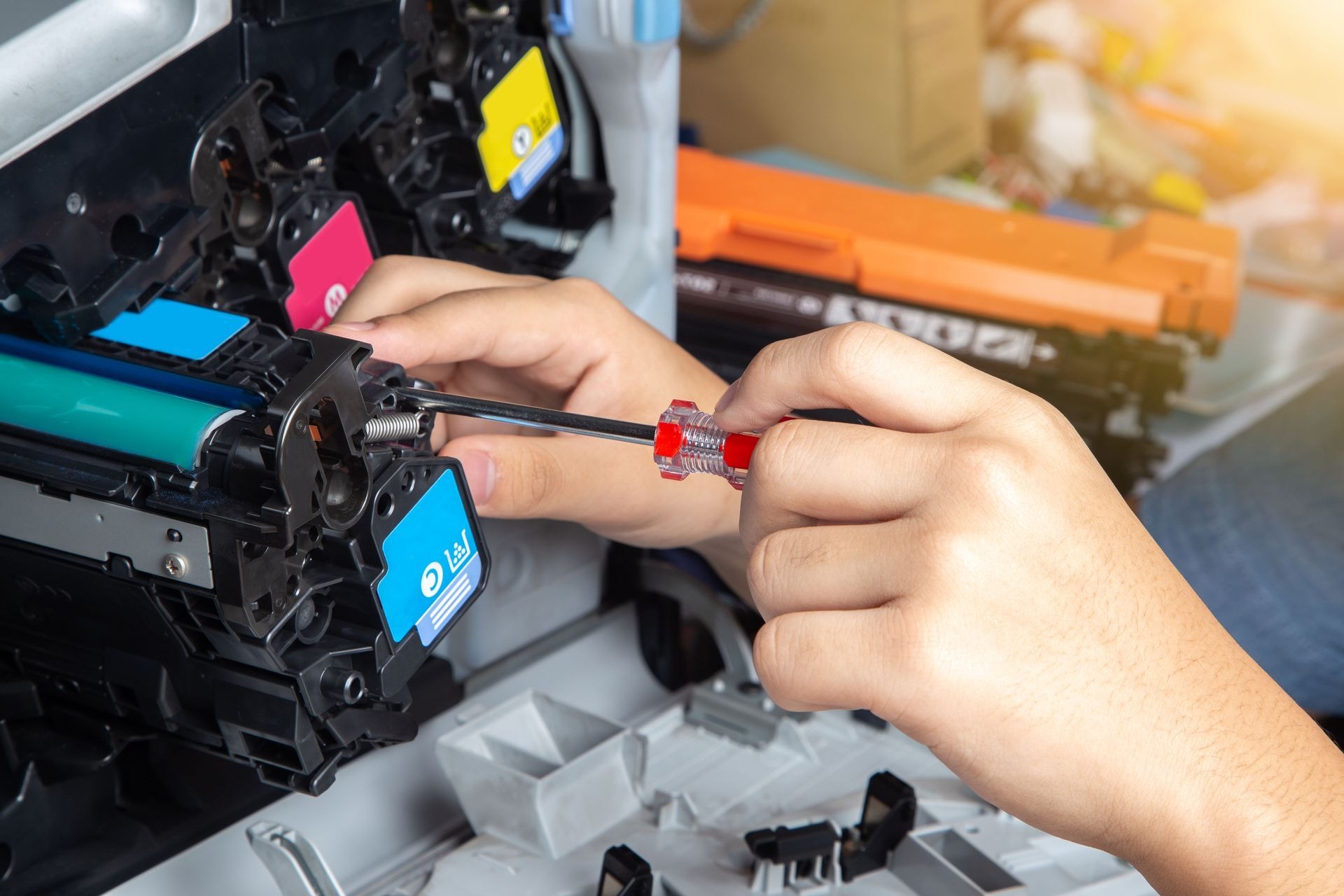
A copier breakdown can bring invoicing, document processing, client paperwork, and everyday office workflows to a halt. For businesses in Baltimore, the real cost of a repair includes more than the technician’s bill. Downtime, replacement parts, machine age, and the type of service agreement all affect what you ultimately spend.
Quick answer: In 2026, businesses should expect copier repair pricing to vary based on the service call, technician labor, parts, equipment type, and whether the machine is covered by a maintenance agreement. Publicly advertised local labor rates provide useful benchmarks, but an accurate repair price normally requires diagnosis of the specific copier and problem.
What local businesses should know
-
A simple copier adjustment or cleaning may cost far less than a repair requiring a fuser, control board, feeder component, or other major part.
-
Publicly advertised Baltimore-area copier service rates show that hourly labor alone can fall around the $90 to $120 range before parts or additional charges.
-
Businesses in Downtown Baltimore, Towson, Catonsville, Dundalk, and other busy commercial areas should also consider the operational cost of waiting on a disabled machine.
-
Older or heavily used equipment can reach a point where replacement, rental, or a service agreement deserves comparison with another major repair.
-
Always confirm whether a quoted price includes diagnosis, travel, labor, parts, and follow-up service before approving the work.
Why Do Copier Repair Costs Vary in Baltimore?
Copier repair costs in Baltimore vary because every service call combines a different mix of diagnosis, technician time, replacement parts, machine complexity, and service coverage. A basic paper-feed correction may require little more than troubleshooting, while a failed fuser or electronic component can require substantially more labor and parts.
Office equipment also varies widely. A compact multifunction printer in a small professional office is different from a high-volume color copier supporting an accounting firm, medical practice, school, or administrative department.
Location can influence the practical cost of downtime as well. Offices around the Inner Harbor, Downtown, Towson, Pikesville, and the I-695 business corridor often depend on shared multifunction devices for scanning, printing, copying, and document distribution.
Premier Business Technologies provides copier and printer repair services for businesses in the area. After this first mention, we will focus on helping you understand the factors that can affect your repair decision rather than presenting a one-size-fits-all price.
What Are Typical Copier Repair Prices in 2026?
Typical 2026 copier repair pricing is usually built from a service or diagnostic charge, hourly technician labor, replacement parts, and any applicable travel or after-hours costs. Publicly advertised Maryland-area rates currently include copier service around $90 per hour at one provider and $120 per hour at another, illustrating why businesses should request a job-specific quote.
Those figures are useful as market reference points, not as our pricing. Your actual cost can be higher or lower depending on the equipment and problem.
For broader planning, publicly available 2026 business-equipment cost guides commonly place service or diagnosis charges around $100 to $250 and on-site labor around $85 to $185 per hour. These are national planning ranges rather than guaranteed local prices.
The best way to budget is to separate the estimate into four questions:
-
Is there a diagnostic or trip charge?
-
How is technician labor billed?
-
What parts are required?
-
Does an existing service agreement cover any of the work?
What Copier Problems Usually Cost the Least to Fix?
Lower-cost copier repairs usually involve problems that can be corrected through cleaning, adjustment, configuration, or replacement of a relatively simple wear item. Paper-feed issues, minor print-quality problems, network settings, and routine maintenance can sometimes be resolved without installing an expensive major assembly.
Examples can include dirty rollers, incorrectly loaded paper, worn pickup components, driver or connectivity problems, and certain scanning or print-setting issues.
For an office in Canton, Federal Hill, Towson, or Catonsville, quickly identifying whether the problem is mechanical or configuration-related can prevent unnecessary downtime. Repeatedly restarting a machine or clearing the same jam without finding the underlying cause usually does not solve a recurring hardware problem.
What Copier Repairs Tend to Cost More?
Higher-cost copier repairs generally involve major assemblies, specialized parts, extensive troubleshooting, or multiple hours of technician labor. Fusers, imaging components, control boards, document feeders, finishing equipment, and certain high-volume color systems can push repair costs well beyond those of a basic service visit.
Parts availability also matters. An older machine may use a component that is more difficult to source than one for a current model.
The decision becomes especially important for businesses running older equipment at high monthly volumes. If a machine has already experienced several significant failures, approving another expensive component may not always be the only sensible option.
At that point, compare repair cost with expected remaining useful life, current printing needs, rental alternatives, and the cost of replacing the device.
What Warning Signs Mean a Copier Needs Professional Repair?
A copier usually needs professional repair when jams, error codes, poor image quality, unusual noises, or communication problems continue after basic user-level checks. Recurring symptoms often point to worn components, internal contamination, calibration problems, or mechanical failures that should not be disassembled by office staff.
Watch for these warning signs:
-
Paper jams repeatedly occur in the same area.
-
Copies show persistent lines, streaks, spots, or faded sections.
-
The copier makes grinding, clicking, or scraping sounds.
-
Error codes return immediately after restarting.
-
Pages wrinkle, curl excessively, or emerge unusually hot.
-
The automatic document feeder frequently misfeeds originals.
-
Printing or scanning disappears from the network repeatedly.
-
The machine needs increasingly frequent service calls.
A single paper jam does not automatically indicate a serious repair. The pattern matters more than one isolated incident.
When Should a Baltimore Business Call a Copier Technician?
A Baltimore business should call a copier technician when normal operator steps do not correct the problem, the same fault keeps returning, or opening the machine further could damage sensitive components. Professional diagnosis is especially appropriate when the copier supports daily client records, shipping paperwork, contracts, invoices, or other time-sensitive work.
Employees can safely check basic items such as paper placement, toner status, visible jam locations, network connections, and manufacturer-recommended restart procedures.
DIY work should stop when the repair involves internal electrical components, hot fuser assemblies, complex disassembly, persistent error codes, or replacement of major assemblies.
For offices across Baltimore City and Baltimore County, the goal should be to restore normal workflow without turning a manageable repair into a larger equipment problem.
What Commonly Causes Copier Breakdowns in Local Offices?
The most common copier breakdowns come from normal component wear, high print volume, paper-handling problems, accumulated debris, improper supplies, and aging equipment. Local offices with centralized multifunction machines can place significant daily demand on one device, making preventive maintenance particularly valuable.
1. High page volume
A copier supporting an entire department naturally experiences more roller, feeder, fuser, and imaging wear than a lightly used desktop unit.
2. Paper and media problems
Damp, curled, damaged, incorrectly sized, or poorly stored paper can contribute to feeding problems and repeated jams.
3. Worn consumable components
Rollers, drums, imaging assemblies, and other wear components eventually reach the end of their service life.
4. Dust and debris
Paper fibers and toner residue can accumulate inside equipment over time and affect sensors, paper paths, and print quality.
5. Aging equipment
Older machines may experience several related failures as mechanical and electrical components accumulate operating hours.
How Can Businesses Reduce Copier Repair Costs?
Businesses can reduce copier repair costs by following scheduled maintenance, using suitable paper and supplies, addressing recurring symptoms early, and tracking how often each machine requires service. Preventive attention cannot eliminate every breakdown, but it can reduce avoidable problems and help managers recognize when a copier is becoming expensive to maintain.
Keep paper stored in a dry indoor location and load trays according to the machine specifications. Remove visible paper scraps carefully, follow recommended cleaning procedures, and avoid forcing stuck components.
Also maintain a simple repair history. Record the date, symptom, affected component, and repair cost each time service is required.
For a busy office in Towson, Owings Mills, Timonium, or Downtown, that record can make repair-versus-replacement decisions far easier than relying on memory.
What Results Should You Expect After Copier Repair?
After a successful copier repair, the original fault should be corrected and the machine should return to normal operation for the affected function. Results depend on the condition of the rest of the equipment, so fixing one worn part does not guarantee that unrelated aging components will never require future service.
A professional service visit should help identify the root cause rather than simply clear the immediate symptom.
Businesses should test the functions related to the original complaint after service. For example, if the issue involved the document feeder, test multi-page scanning. If it involved image quality, run several representative black-and-white and color pages.
What Copier Repair Mistakes Cost Businesses More?
The most expensive copier repair mistakes are repeatedly ignoring symptoms, forcing jammed components, approving repairs without understanding the estimate, and continuing to invest in equipment without comparing alternatives. These mistakes can increase downtime and make it harder to determine the copier’s true operating cost.
Mistake: Clearing the same jam every day.
Consequence: A worn roller or feeder component may continue deteriorating.
Better approach: Have recurring jams diagnosed.
Mistake: Pulling paper forcefully from internal components.
Consequence: Torn paper or damaged sensors can create additional faults.
Better approach: Follow the manufacturer’s jam-clearing path or request service.
Mistake: Looking only at the immediate repair bill.
Consequence: An aging machine may accumulate several costly repairs.
Better approach: Compare the current repair with recent service history and replacement options.
What Is a Common Local Copier Repair Scenario?
A common local copier repair scenario involves a shared multifunction copier that begins jamming intermittently before the problem becomes frequent enough to interrupt daily work. Staff may initially clear the jams themselves, but increasing frequency eventually points to a worn feed component, sensor problem, or another issue requiring diagnosis.
Consider a professional office near the Inner Harbor using one primary copier for scanning correspondence, printing contracts, and producing client packets. Even a repair that appears minor can become operationally important if employees repeatedly leave their desks to clear jams or route work to smaller backup printers.
This is a representative scenario, not a specific customer case study.
What Service Options Can Help Solve Copier Problems?
Copier repair, preventive maintenance, fleet service agreements, equipment replacement, and copier rental can each solve different office-equipment problems. The right solution depends on the machine’s condition, repair history, print volume, expected life, and how costly downtime is to your organization.
We provide copier and printer repair services along with maintenance-related business equipment solutions. Our current service information also identifies support for major copier brands including Canon, Kyocera, and Ricoh.
Should You Repair, Replace, or Rent a Copier?
Repairing usually makes sense when the problem is isolated and the machine still meets your needs, while replacement or rental deserves consideration when breakdowns become frequent or repair costs approach the value of keeping older equipment operating. The comparison should include downtime and workflow needs, not just the technician’s invoice.
| Option | Often Worth Considering When | Main Question |
|---|---|---|
| Repair | The machine otherwise performs reliably | Will this repair restore dependable operation? |
| Maintenance plan | The copier is business-critical and used regularly | Would predictable service simplify budgeting? |
| Rental | You need flexibility or temporary equipment | Does rental reduce commitment or downtime risk? |
| Replacement | Repairs are recurring or the equipment no longer meets workflow needs | Will newer equipment lower disruption or improve capability? |
Our currently advertised copier rental options begin at $99 per month, subject to applicable promotional terms and restrictions.
What Areas Can Receive Copier Service?
Copier service can support businesses in Baltimore and surrounding Maryland communities, depending on service availability and the specific equipment involved. Local organizations in Baltimore City, Baltimore County, Towson, Dundalk, Catonsville, Pikesville, and nearby commercial areas can request information about repair and equipment options.
Contact us with your location, copier brand, model, and symptoms so the service requirements can be evaluated accurately.
What Does Ignoring a Copier Problem Cost?
Ignoring a copier problem can turn a manageable equipment issue into repeated downtime, lost staff time, damaged documents, and potentially a more extensive repair. A machine that jams several times each day may still operate, but the interruptions can become more expensive to the office than the original mechanical problem.
This is particularly important when one multifunction device handles scanning, printing, and copying for several employees.
Track recurring problems instead of treating each interruption as an unrelated event. Increasing frequency is often the clearest signal that diagnosis should no longer be postponed.
FAQ
How much does copier repair cost in Baltimore in 2026?
Copier repair costs in Baltimore depend on diagnosis, technician labor, replacement parts, and the machine involved. Publicly advertised local labor rates currently provide examples around $90 to $120 per hour, but those figures are not universal. Ask for a repair-specific quote that explains what is included before authorizing service.
Is there usually a service-call fee for copier repair?
A service-call or diagnostic charge is common in the copier repair industry, although billing structures vary among providers. Some companies combine travel and initial technician time, while others bill them separately. Confirm the diagnostic fee, hourly rate, travel charges, and parts policy before scheduling work.
Is it cheaper to repair or replace a copier in Baltimore?
Repair can be less expensive when the copier has an isolated problem and otherwise remains dependable. Replacement becomes more relevant when an older device requires repeated service or no longer meets the office’s printing needs. Compare the current repair estimate with recent repair history, downtime, and replacement or rental costs.
How long should I keep repairing an older office copier?
Keep repairing an older copier while the costs remain reasonable relative to its reliability and usefulness. There is no single age at which every machine should be replaced. Frequent breakdowns, difficult-to-source parts, increasing downtime, or changing workflow requirements are better decision signals than age alone.
Do Baltimore County businesses need a maintenance contract?
Baltimore County businesses do not automatically need a copier maintenance contract, but a service agreement may be useful when equipment is heavily used or downtime is costly. Compare the agreement’s covered labor, parts, supplies, response terms, exclusions, and minimum charges with your actual service history before deciding.
Can copier paper jams be fixed without a technician?
Simple paper jams can often be cleared safely by following the copier manufacturer’s instructions. Professional service is appropriate when jams repeatedly occur in the same location, paper tears inside the machine, error codes persist, or internal components appear damaged. Repeated jams usually deserve diagnosis rather than continual clearing.
What information should I provide when requesting copier repair in Baltimore?
Provide the copier manufacturer, model number, displayed error code, symptoms, when the problem started, and whether it occurs every time or intermittently. Also explain whether printing, scanning, copying, or the document feeder is affected. Better information can help the service provider prepare for the visit.
Do you repair major copier brands?
We currently advertise repair support for major office-equipment brands including Canon, Kyocera, Ricoh, and additional manufacturers. Because model support and parts availability can vary, provide the exact manufacturer and model when requesting service so we can determine the appropriate repair options.
Keep Your Baltimore Office Moving With Dependable Copier Service
Copier repair costs are easier to manage when you understand what drives the estimate and address recurring problems before they create larger disruptions. We help area businesses evaluate copier problems, repair options, and ongoing equipment needs with the goal of keeping everyday office work moving.
Reduce Copier Downtime Before It Disrupts Your Workday
Get clear information about your copier problem and the available service options before repeated breakdowns consume more staff time.